


Split
Snap windows to halves, thirds and corners with one shortcut
Prompt
A terminal that runs many Claude sessions in one window, grouped by project
All installers (GitHub Releases)
Free · macOS 12 or later · Apple silicon only · View on GitHub
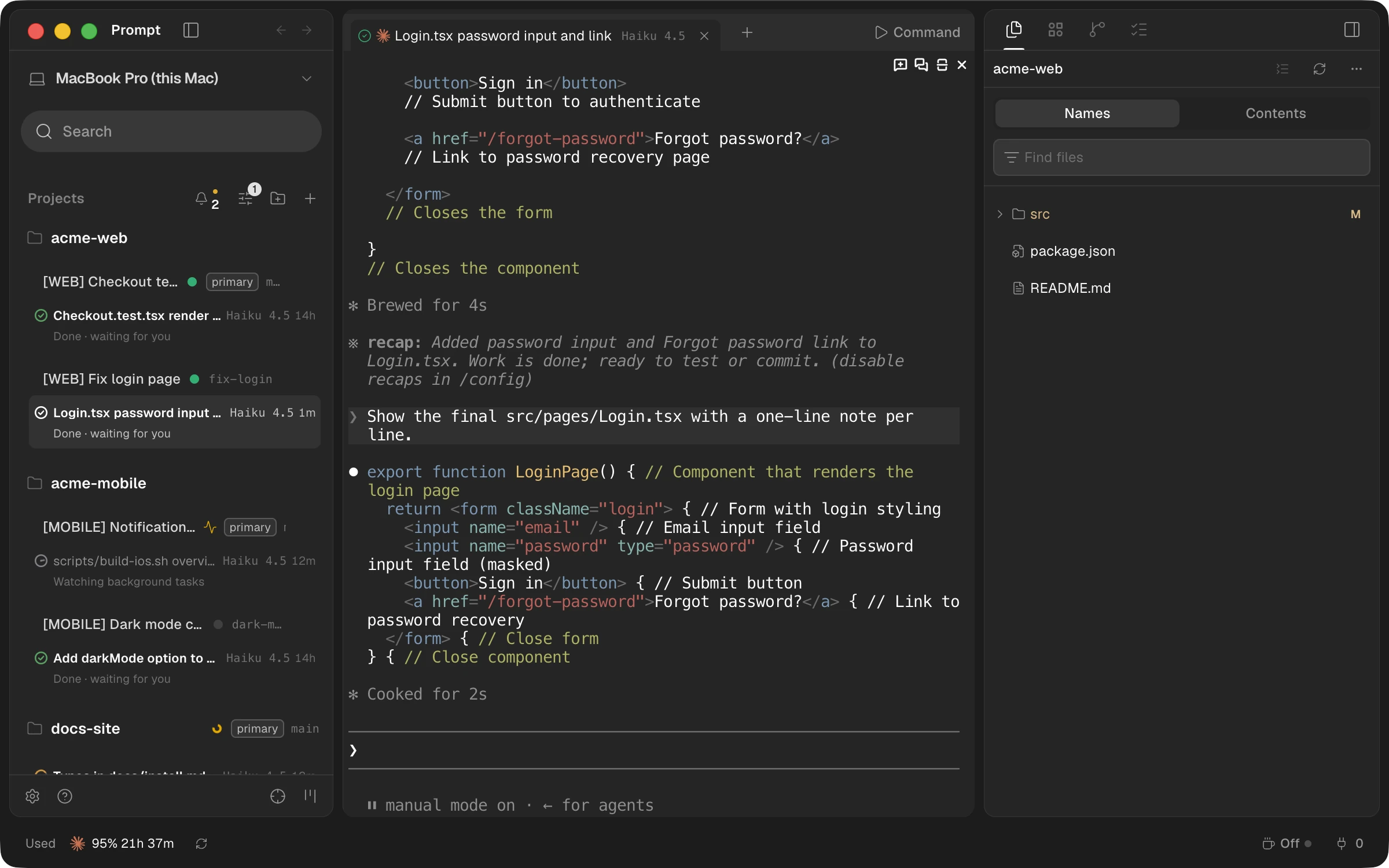
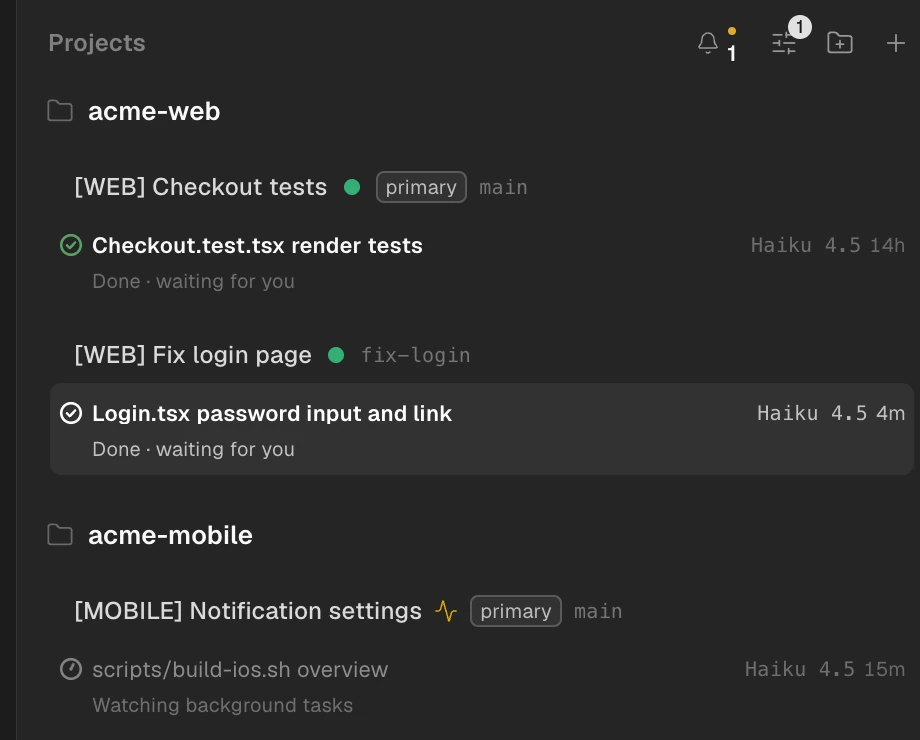
Each project lists its sessions underneath, and every row shows what it's doing — editing files, running a command, done and waiting for you — so you can spot the session that needs you.
Click the computer name at the top of the sidebar to switch to another Mac's sessions. On the Mac running them, choose Share This Computer… to make a link, then paste it into Add Computer… on the other Mac.
Screenshot coming soonTerminals keep running after you quit Prompt; reopen it and they reattach. To stop everything, choose Quit Completely… from the menu bar icon.
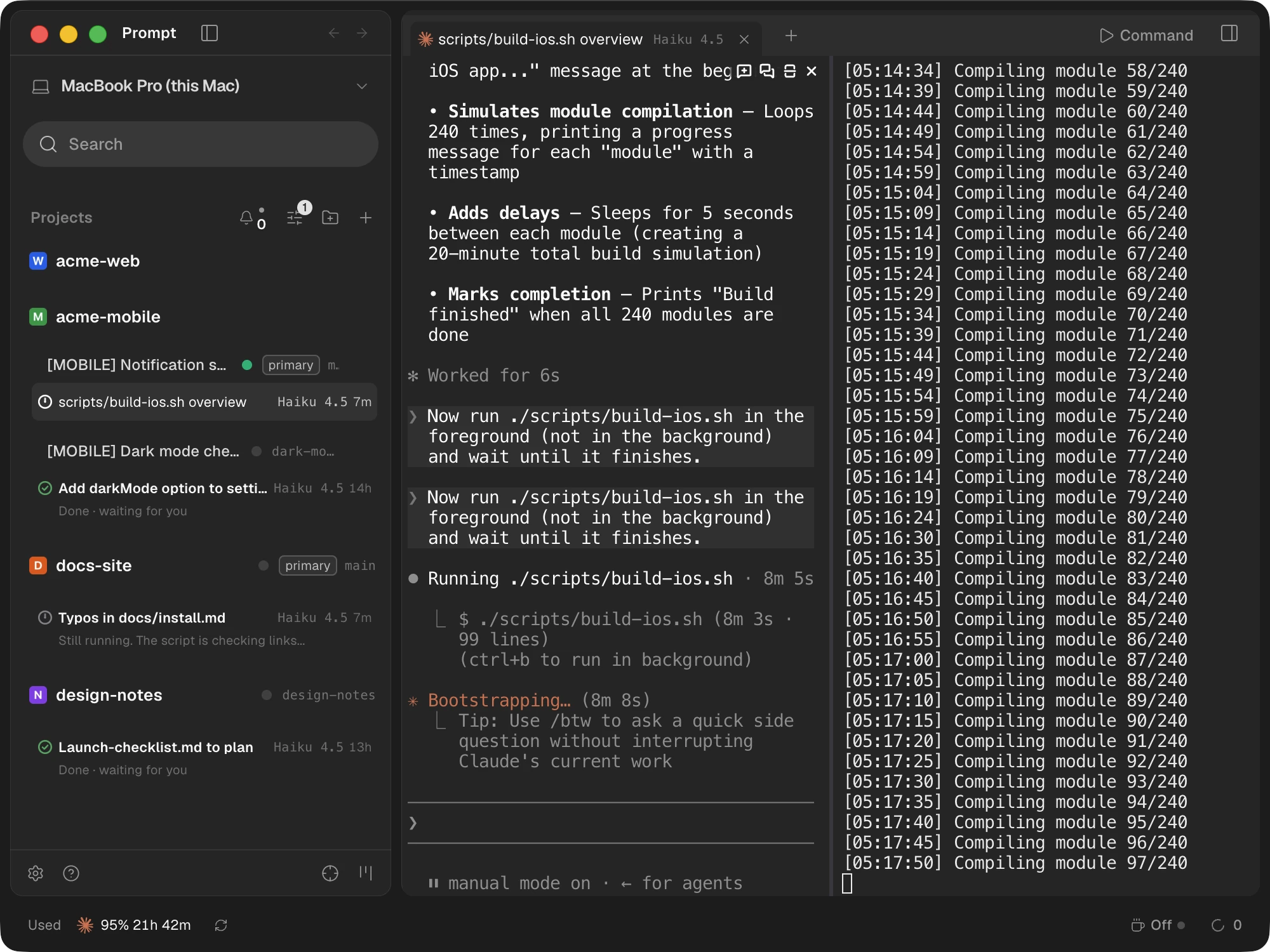
Create a workspace and it gets its own git worktree, so sessions never overwrite each other's files. Choose where workspaces go in Settings.
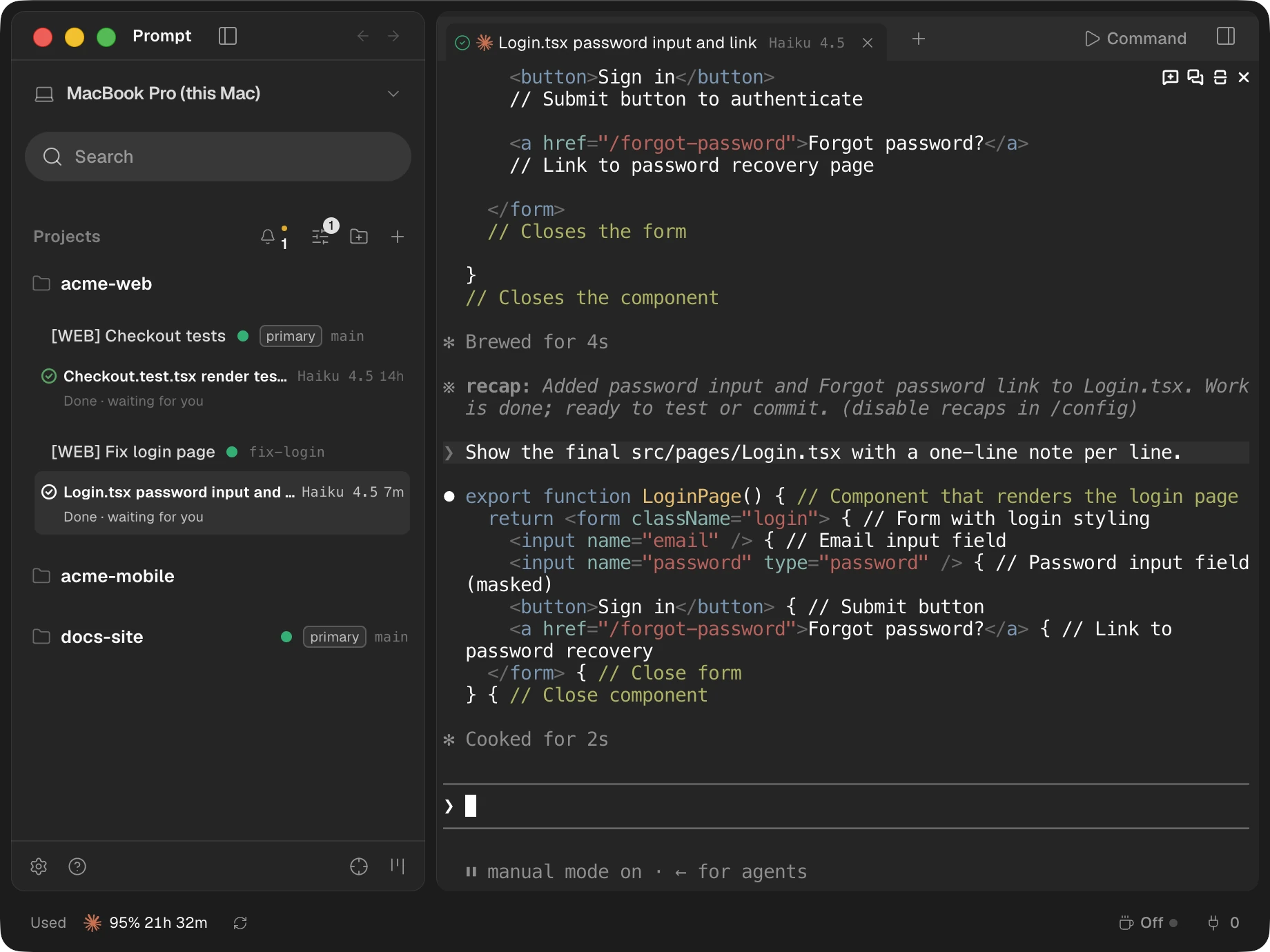
Add plain folders as projects, not just git repositories, and give each project a logo so it stands out in the list.
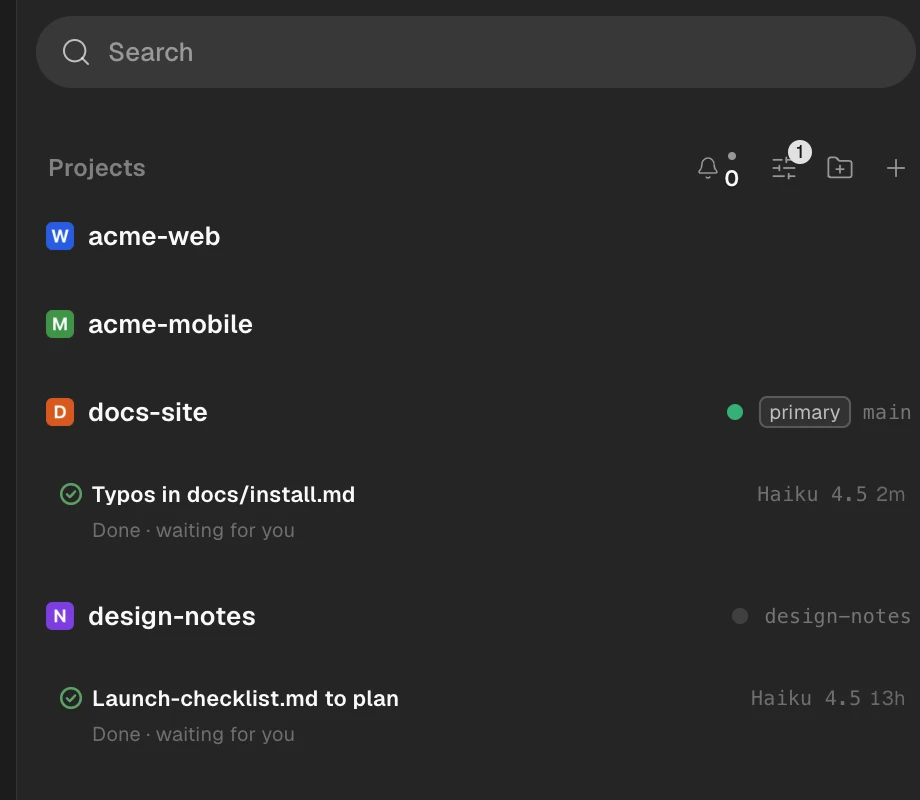
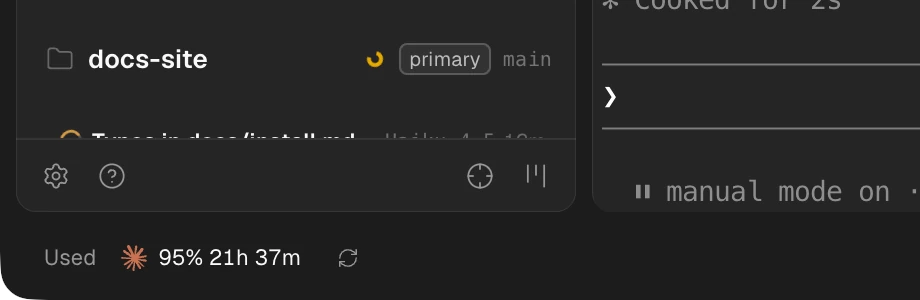
The status bar shows your Claude usage so limits don't surprise you, and a macOS notification appears when a session finishes.
Claude Code needs to be installed first. Prompt runs the Claude Code on this Mac.
Open the dmg and drag Prompt to Applications. It's notarized by Apple, so you won't see an "unidentified developer" warning.
Add the folder you work in as a project. It doesn't have to be a git repository.
Open a new session in the project and Claude Code starts in that folder.
Paste all three lines into Terminal. Recent Homebrew asks once before using a repository outside its official list, so the second line is there.
brew tap runners-im/tap
brew trust runners-im/tap
brew install --cask promptThe folders you add as projects and the terminals you open in them. Settings, session history and logs are stored only in ~/Library/Application Support/Prompt on this Mac.
No usage stats or crash reports. Prompt has no account of its own.
GitHub for update checks, Anthropic (api.anthropic.com) for the usage in the status bar, plus the other computers, GitHub or SSH servers you connect yourself. Claude Code's own traffic belongs to Claude Code.
$0
Free, and it stays free
$1/ month
or $6 / year (50% off)
We're getting payments and RUNNERS accounts ready. Once they open, you can start Pro right here.
No. Everything that is free today stays free. Pro only adds new features that don't exist yet.
It isn't on sale yet. We're getting RUNNERS accounts and payments ready; once they open, you can start right from the pricing section on this page. Each app costs $1 a month or $6 a year.
Apple silicon Macs (M1 or later) on macOS 12 or later. There's no build for Intel Macs. Windows and Linux builds are in the releases too, but RUNNERS has only tested on Mac.
Use Download free for Mac to get the dmg and drag Prompt to Applications. With Homebrew, run brew install --cask runners-im/tap/prompt.
It's notarized by Apple, so there's no "unidentified developer" warning. Click Open on the prompt macOS shows the first time you open an app from the internet.
A three-step guide: theme, notifications and Yolo mode (agents run commands without asking). Yolo mode starts off, and you can close the guide with × at the top right. If you used Orca on this Mac, your settings and sessions are moved over and the guide is skipped. After the move, if the Orca app is gone, the old Orca data folder is deleted.
Prompt has no account of its own. It runs the Claude Code you've installed, so just sign in to Claude Code. Prompt never asks for an API key. If you have several Claude accounts, add them under Settings › Accounts and switch between them in the status bar at the bottom.
Prompt is built for Claude Code. For other agents, open a Terminal tab and run them yourself. The + menu in the tab bar has only Claude and Terminal, and RUNNERS has only tested Claude Code.
Plain folders work as projects. Workspaces (worktrees) need git, and if git or the GitHub CLI (gh) is missing, the start screen tells you.
Terminals keep running in the background; reopen Prompt and they reattach. To stop everything, choose Quit Completely… from the menu bar icon.
Yes, for free. On the Mac running the sessions, click the computer name at the top of the sidebar and choose Share This Computer… to make a link. Paste it into Add Computer… on the other Mac. Anyone with the link can run commands as you on that Mac until you stop sharing, so share it only with people you trust.
iPhone and Android apps are in progress. They aren't in the stores yet.
Prompt checks GitHub for a new version once a day and when your Mac wakes, and asks before downloading. You can also check yourself with Check for Updates… in the menu. Turn off Check for Updates Automatically in the menu bar to stop automatic checks; you can also install from Terminal with prompt app update.
Settings, session history and logs stay in ~/Library/Application Support/Prompt on this Mac. No usage stats or crash reports are sent. The only network use is update checks (GitHub), the Claude usage check in the status bar (Anthropic), and other computers and services you connect yourself, such as GitHub or SSH.
Prompt is RUNNERS' app built on Orca, an open-source app by Stably AI. The MIT license is Orca's license; Prompt itself is RUNNERS' work. We renamed and redesigned it and added the two-level project and session list, multiple windows, a menu bar icon, a per-session model menu and the computer picker at the top. Usage stats and connections to Orca's servers are turned off, and we now develop it separately from Orca.
Prompt is © RUNNERS. It's based on Orca, which is MIT-licensed; notices for Orca and other open-source code are under About Prompt › Open Source Notices.
First, from the menu bar icon, turn off Open at Login and choose Quit Completely…, then move Prompt from Applications to the Trash. To remove settings too, delete ~/Library/Application Support/Prompt. If you used Homebrew, run brew uninstall --cask prompt. Workspace folders may contain your code, so check them before deleting. If you turned on the command-line tool in Settings, also delete prompt and orca in /usr/local/bin.
If sessions won't attach or the app freezes, choose Quit Completely… and open Prompt again. If that doesn't help, use Help & Feedback to open a GitHub issue. Logs are in ~/Library/Application Support/Prompt/logs.
All installers (GitHub Releases)
Free · macOS 12 or later · Apple silicon only
Snap windows to halves, thirds and corners with one shortcut

See who is using your CPU, memory and disk, then quit or clean up right there.

See the screens of other computers in your office one monitor at a time, and click and type on the ones that allow it, right from where you sit.